Editor Toolkit

$49.50 USD
Sale price  $49.50 USD Regular price 
Skip to product information
Editor Toolkit

Editor Toolkit

⭐⭐⭐⭐⭐ Trusted by 1500+ creators!
$49.50 USD
Sale price  $49.50 USD Regular price 
  • Cut every silence in one click
  • One-click easing animation, plus more
  • One time purchase, yours forever

Choose your setup

Payment methods
  • American Express
  • Apple Pay
  • Bancontact
  • Google Pay
  • Klarna
  • Maestro
  • Mastercard
  • MobilePay
  • PayPal
  • Shop Pay
  • Union Pay
  • Visa
Editor Toolkit for Premiere Pro

The repetitive parts of editing, done in one click.

Five tools in a single Premiere Pro panel. Cut silences, fix robotic pitch, place adjustment layers, paste images and ease your animations, all without the manual work.

  • One time purchase
  • Yours forever
  • Tutorial included
What is inside

Five tools. Zero timeline headaches.

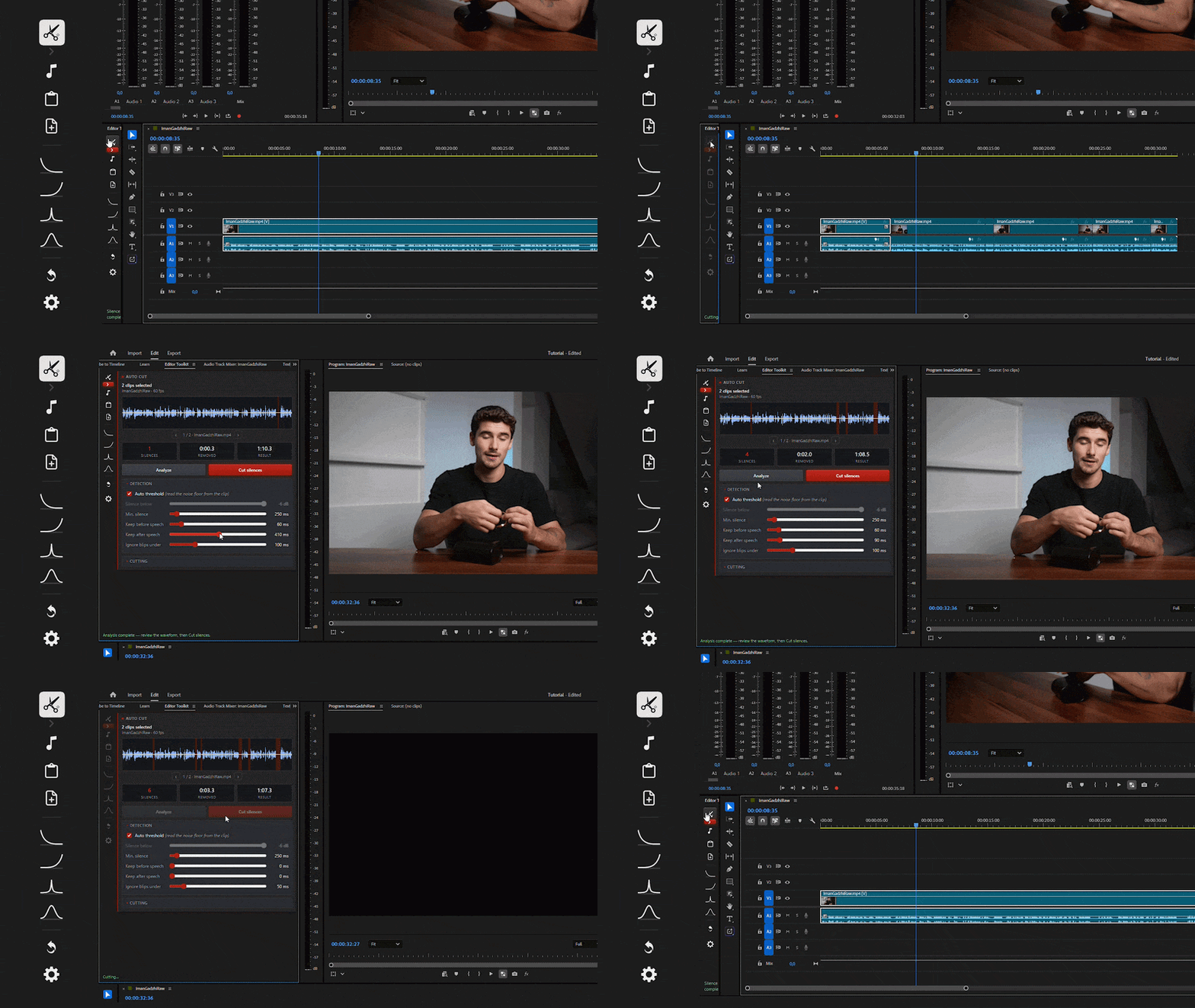
AutoCut removing silences from a clip in Premiere Pro
Two modes

01

AutoCut: cut every silence in one click

Select your clip and AutoCut removes the dead air for you. Choose the mode that fits the job.

  • AutomaticOne click and you are done. No settings, no setup.
  • CustomWide control over how it cuts, for edits that need to be exact.
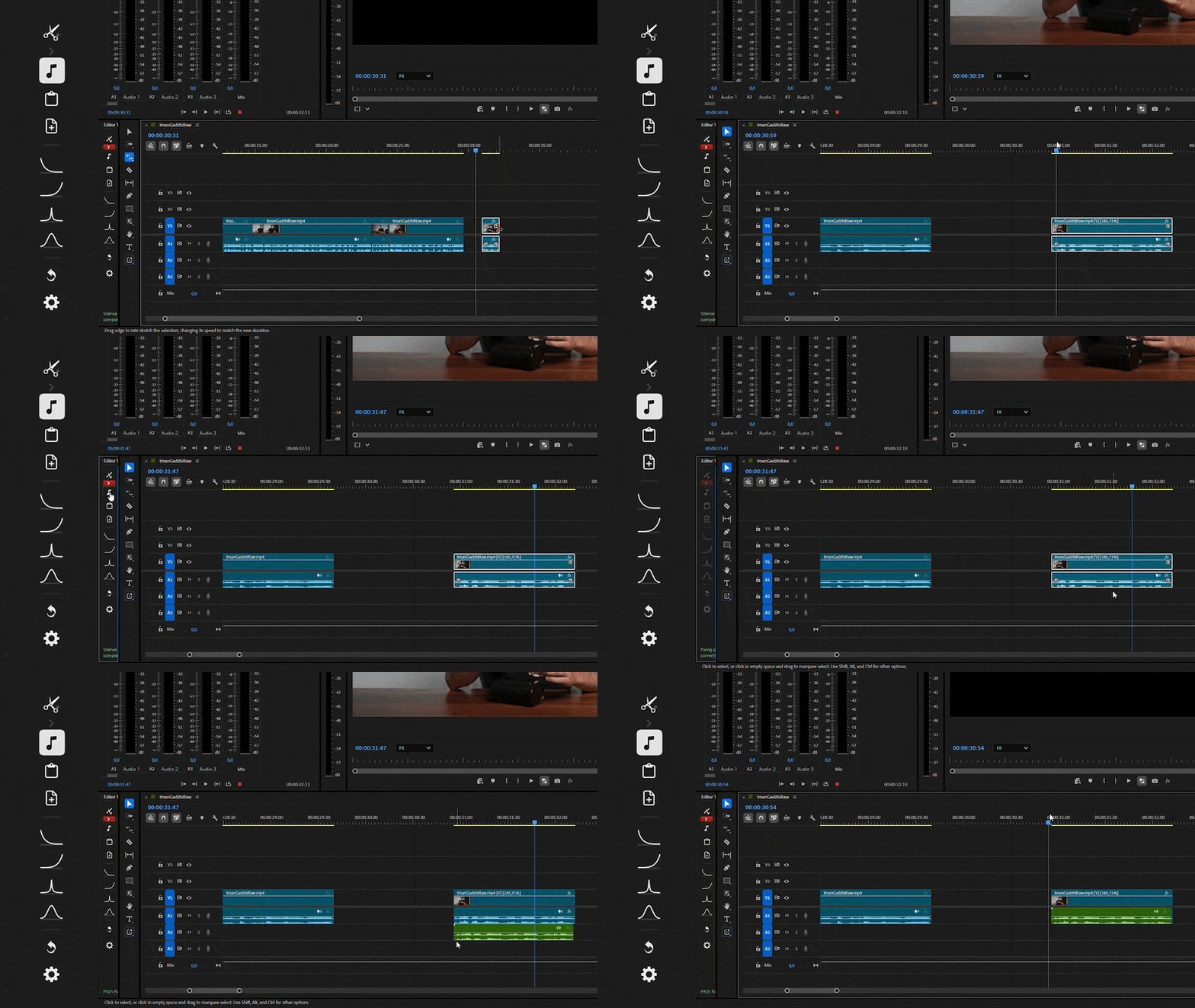
Pitch fixing robotic audio on a sped up clip

02

Pitch: natural sound at any speed

Speed a clip up or slow it down and Premiere's built in pitch fix sounds robotic. Pitch corrects it automatically so voices stay natural.

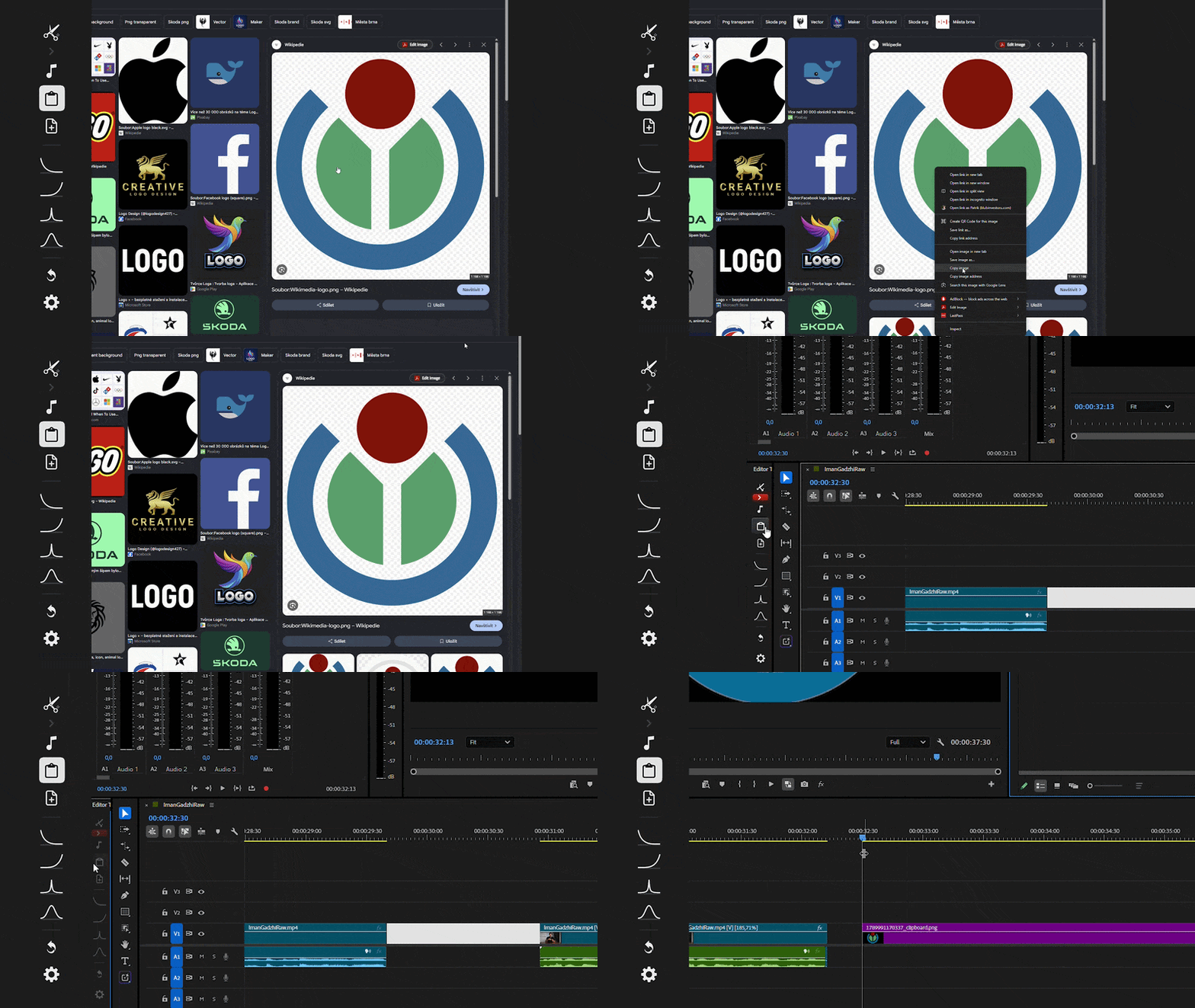
Clipboard tool pasting a copied image onto the Premiere Pro timeline

03

Clipboard: paste images straight onto your timeline

Copy any image, then drop it onto your timeline in one click. No exporting, no importing, no hunting through folders.

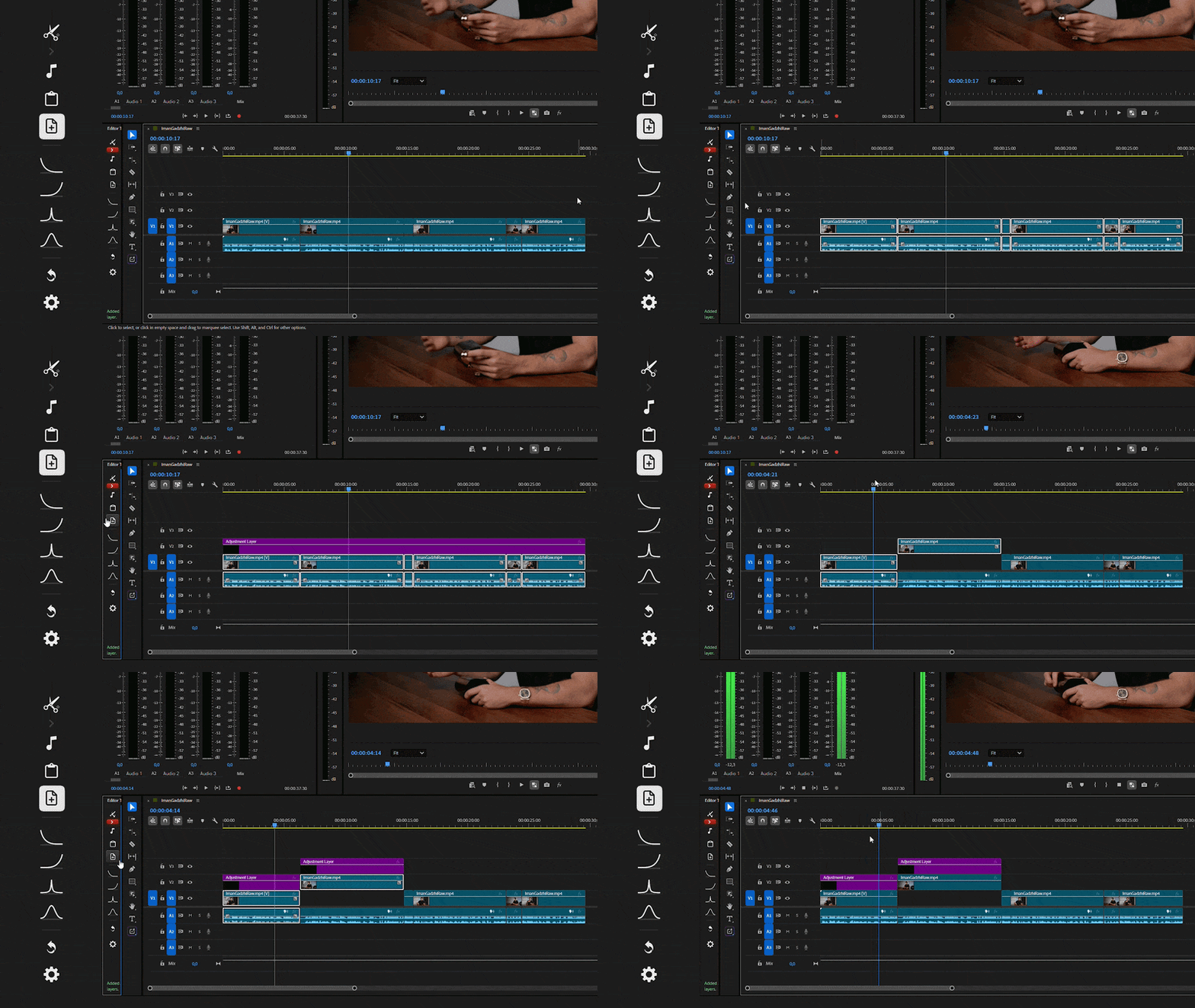
AutoAdj placing adjustment layers over clips automatically

04

AutoAdj: adjustment layers that size themselves

Places adjustment layers over your footage automatically, already sized to fit. Stop dragging and trimming them by hand.

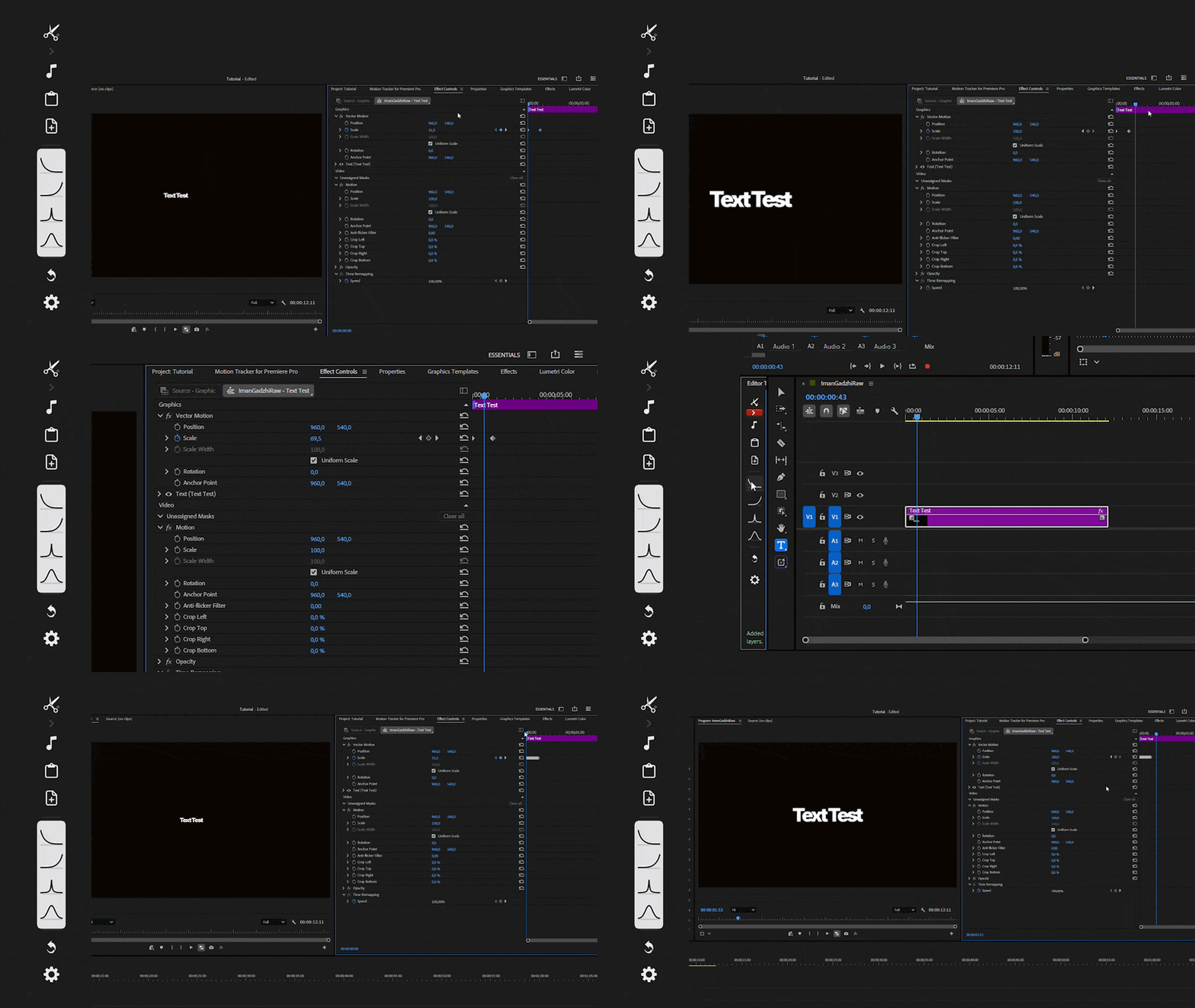
Easy Ease applying smooth easing in one click without the graph editor

05

Easy Ease: fast graphs without the graph editor

Get smooth, fast easing in one click. Skip the Premiere Pro graph editor completely.

Why choose the Editor Toolkit?

Editor ToolkitPremiere alone
Cut every silence in one click
Natural pitch on sped up clips
Adjustment layers that size themselves
Paste clipboard images onto the timeline
One-click easing, no graph editor
Hours of repetitive manual work
How it works

Up and running in three steps.

  1. Get your downloadBuy once and download the toolkit. A tutorial is included.
  2. Open the panelLaunch Editor Toolkit inside Premiere Pro.
  3. Click and keep editingSelect your clips, press a button and move on to the creative work.
Questions

Good to know before you buy.

What is Editor Toolkit?

A single panel for Premiere Pro that bundles five tools: AutoCut, Pitch, Clipboard, AutoAdj and Easy Ease. Each one replaces a repetitive task you would normally do by hand.

Is it a subscription?

No. It is a one time purchase. You own it forever and a tutorial is included.

What is the difference between Automatic and Custom AutoCut?

Automatic removes silences in one click with no setup. Custom gives you wide control over how the cut is made, so you can fine tune it for your footage.

Why not use Premiere's built in pitch correction?

When you speed up or slow down audio, Premiere's built in pitch handling tends to sound robotic. Pitch fixes this automatically so voices stay natural.

What can the Clipboard tool paste?

Any image you have copied. It is placed straight onto your timeline, with no exporting or importing. It handles images only, not text or files.

Do I still need the graph editor for easing?

No. Easy Ease applies fast, smooth easing in one click, so you can skip the graph editor entirely.

How do I receive it?

Editor Toolkit is a digital product. You get your download right after checkout, together with the tutorial.

Does it work on Mac and Windows?

Yes. Editor Toolkit works on both Windows and Mac, in Premiere Pro 2024, 2025 and 2026.

What if it does not run on my setup?

You are covered by our Works Guarantee: if it does not run, we will fix it or refund you.

Editor Toolkit

Edit faster. Pay once.

Five tools, one panel, yours forever.

$49.50

One time purchase · Yours forever · Tutorial included

Loved by over 1500+ creators

Adam Kale
Adam Kale Filmmaker

Just tested, it's great, it works well! This kind of stuff should Adobe implement to its core, they should buy it from you.

What I like about neathue is that it contains everything in one place, whether you’re working with vertical or horizontal layouts, PNGs or videos, transitions, or even sound effects, it’s all available in a single location.

Ahmed Atif Award Winning Filmmaker

As a professional video editor, I spend a lot of my time searching for assets, and it often wastes a lot of my time. This creative pack solved all my problems by providing me with a one-stop solution, so I can edit faster and get professional results. And it saves a lot of my time.

Ahmed Zafar Professional Video Editor
Alexadr Kos
Alexadr Kos Marketing Agency Owner

The pack is awesome. I use quite a lot of these overlays in almost all of my projects now.

I used to spend more time searching for assets than actually designing. The Master Neat Bundle cut out all that wasted time so I can get straight to building.

Cristian Silva UGC Creator
Darko Popadic
Darko Popadic Video Editor

Very easy to use and works great for short-form vertical content. Overall, a solid and professional pack.

Jesus Grova
Jesus Grova Video Editor

This is a very good pack if you don't have a paid online library like those from Artlist, Audio, or similar. It has variety and good quality, but what I would highlight are the "exclusive" effects, which are what I would implement most in my workflow.

I enjoyed using the sound effects the most, since I value audio highly in my YouTube videos.

Samuel Ramos YouTuber