
Adam Kale
Just tested, it's great, it works well! This kind of stuff should Adobe implement to its core, they should buy it from you.


"The auto cutting and motion tracking saved me so much time, the pack paid for itself in a week"
Alex M. Freelance video editor
Attach anything. Stabilize everything.
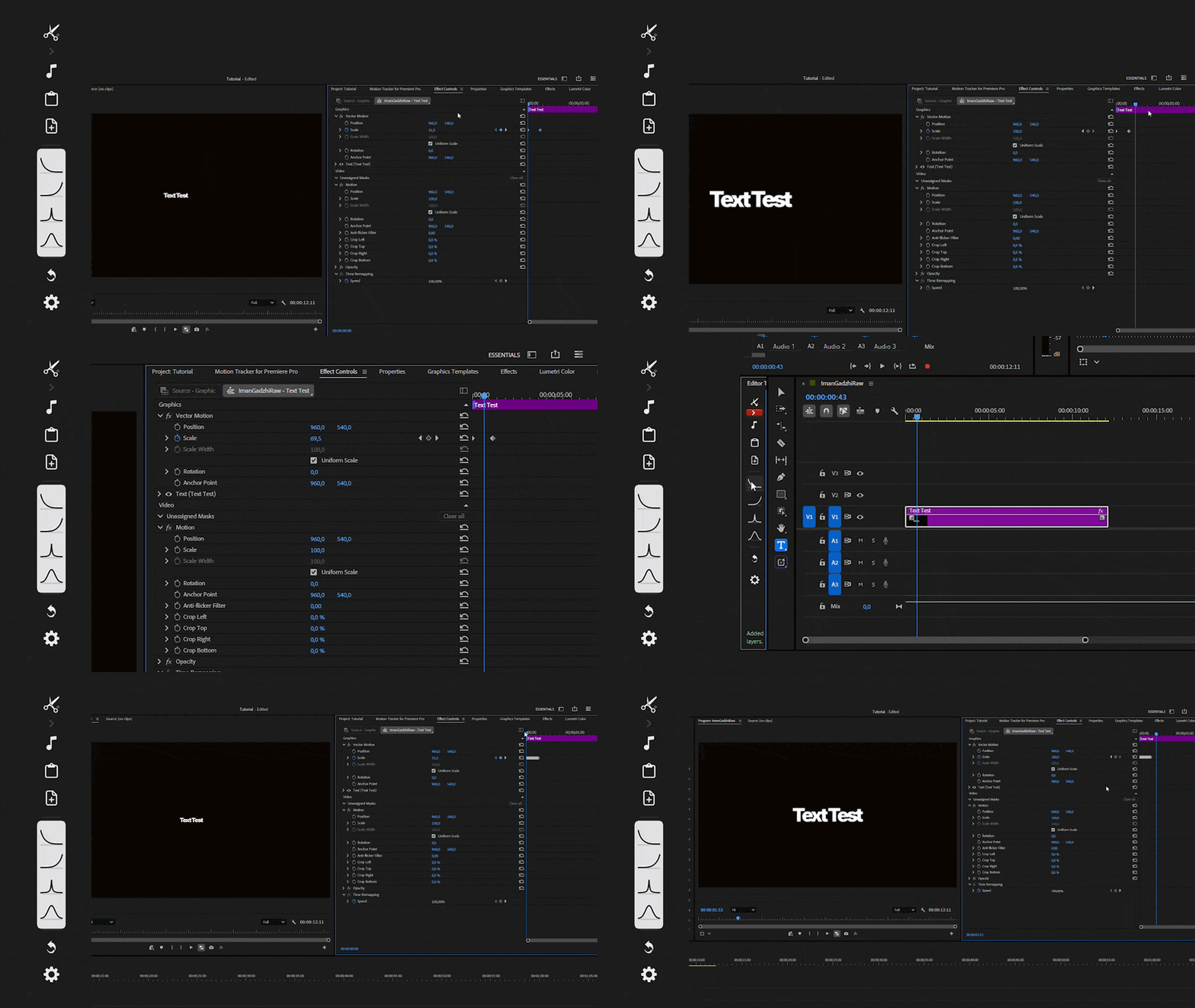
Never keyframe manually again. Track a subject and pin text or graphics to it, all inside Premiere Pro.
Five tools in a single panel.
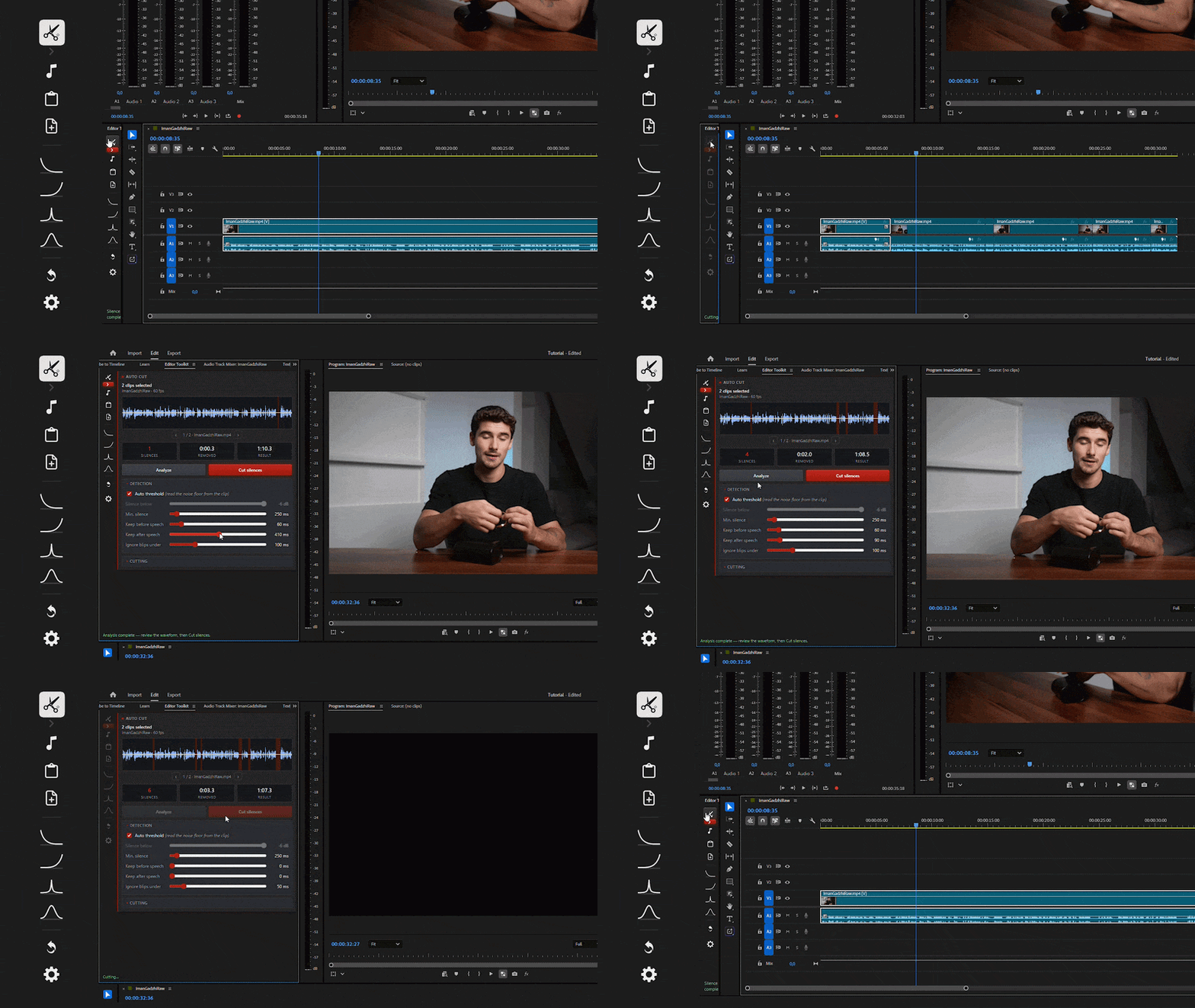
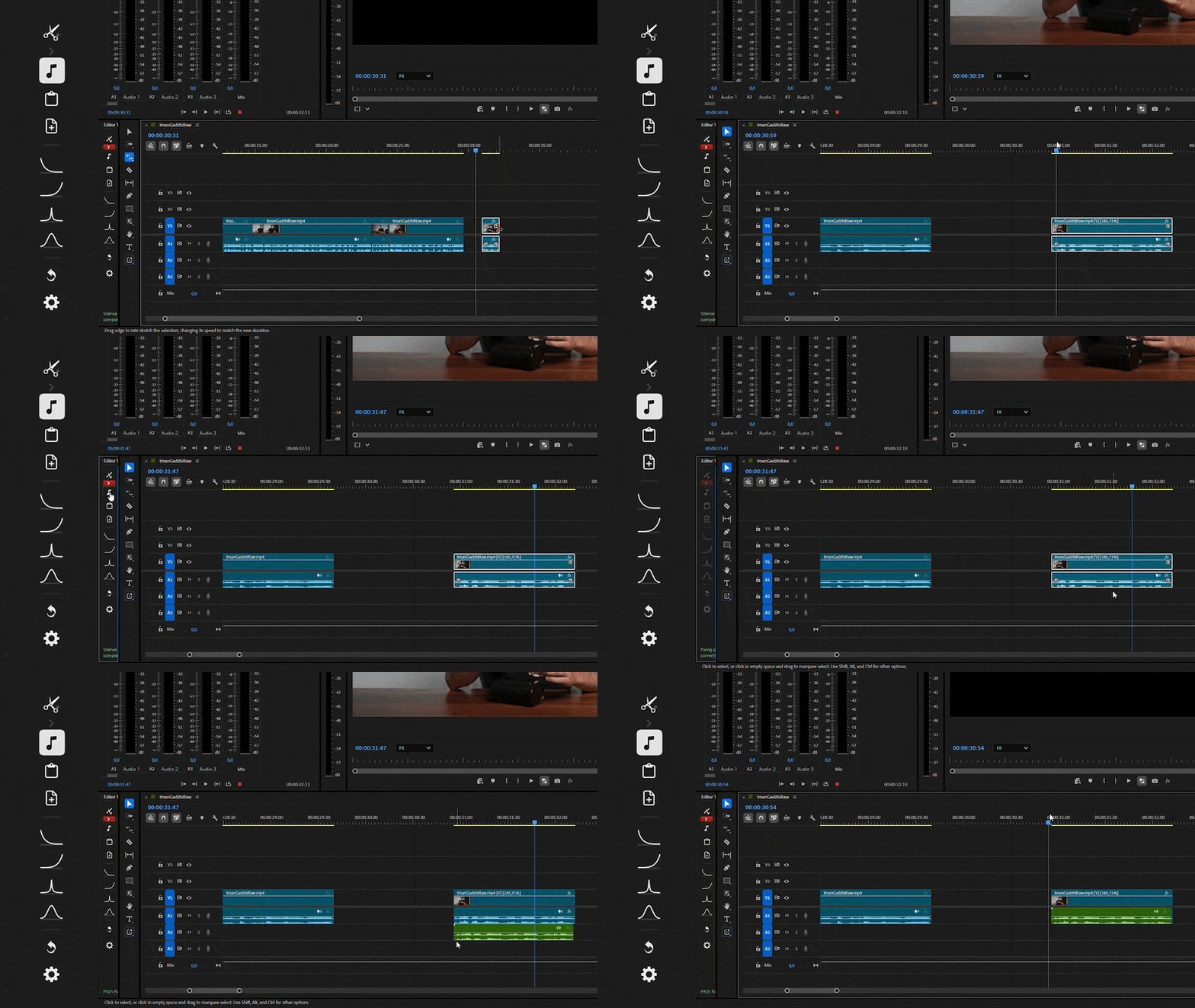
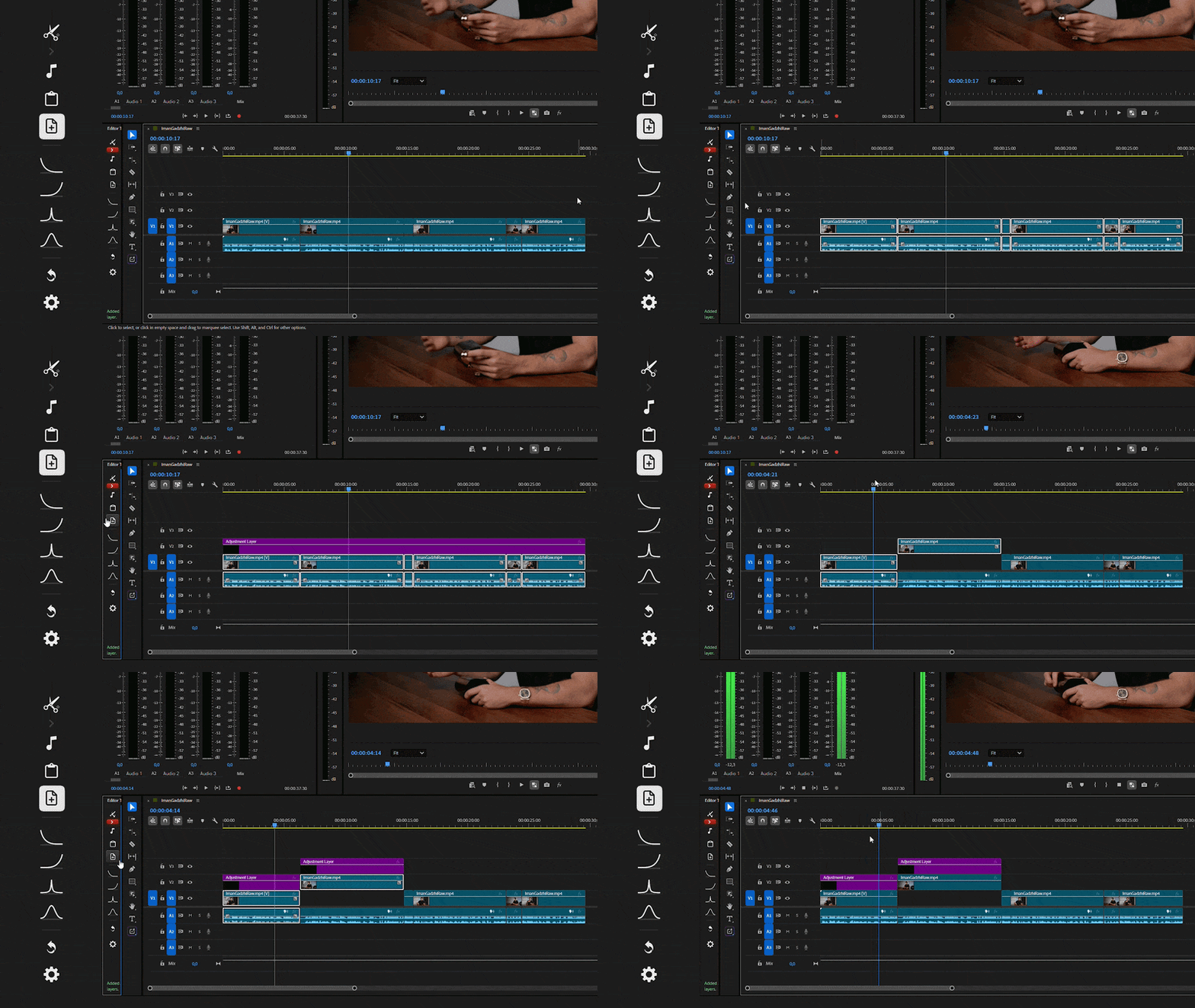
The repetitive parts of editing, done in one click.
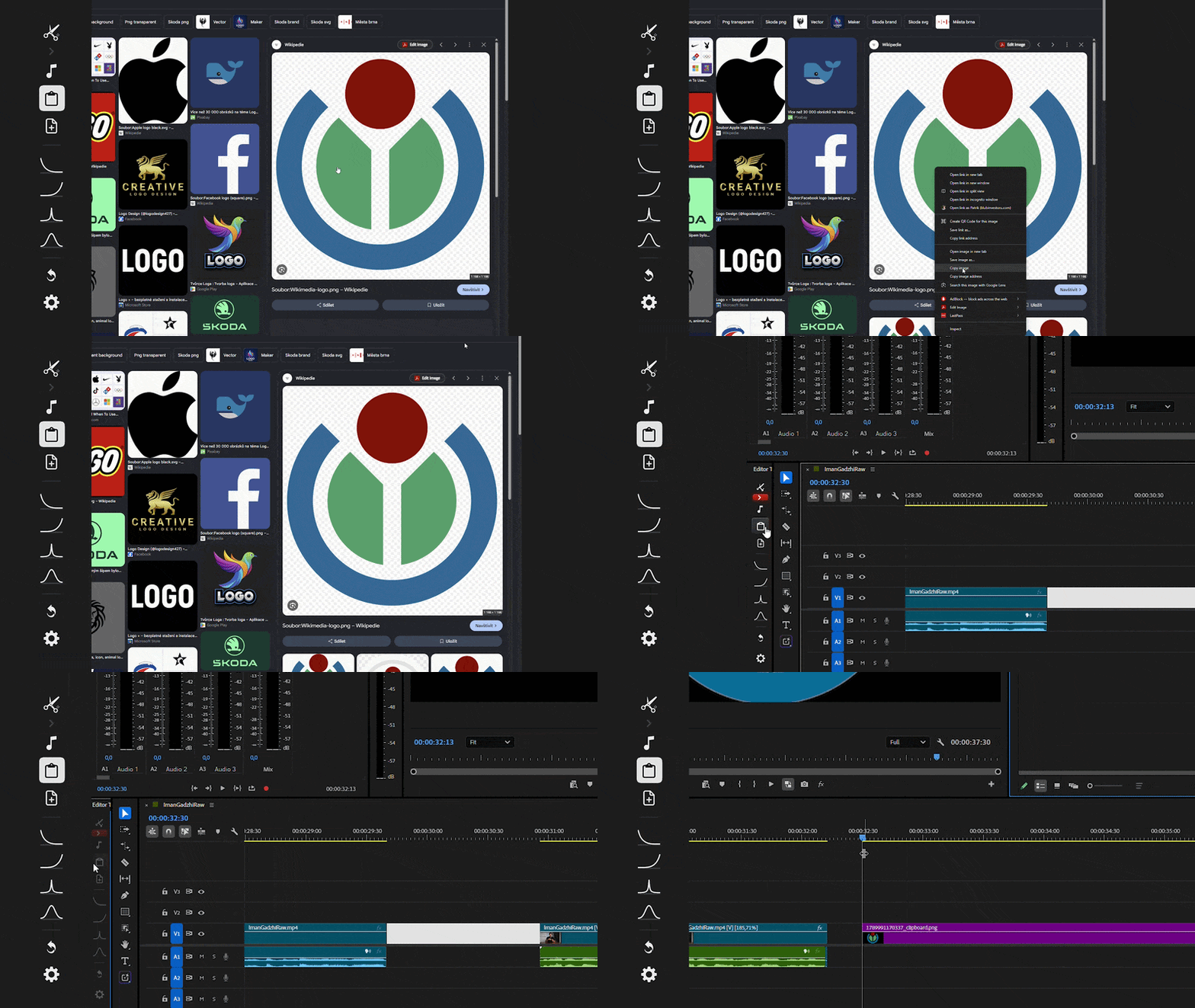
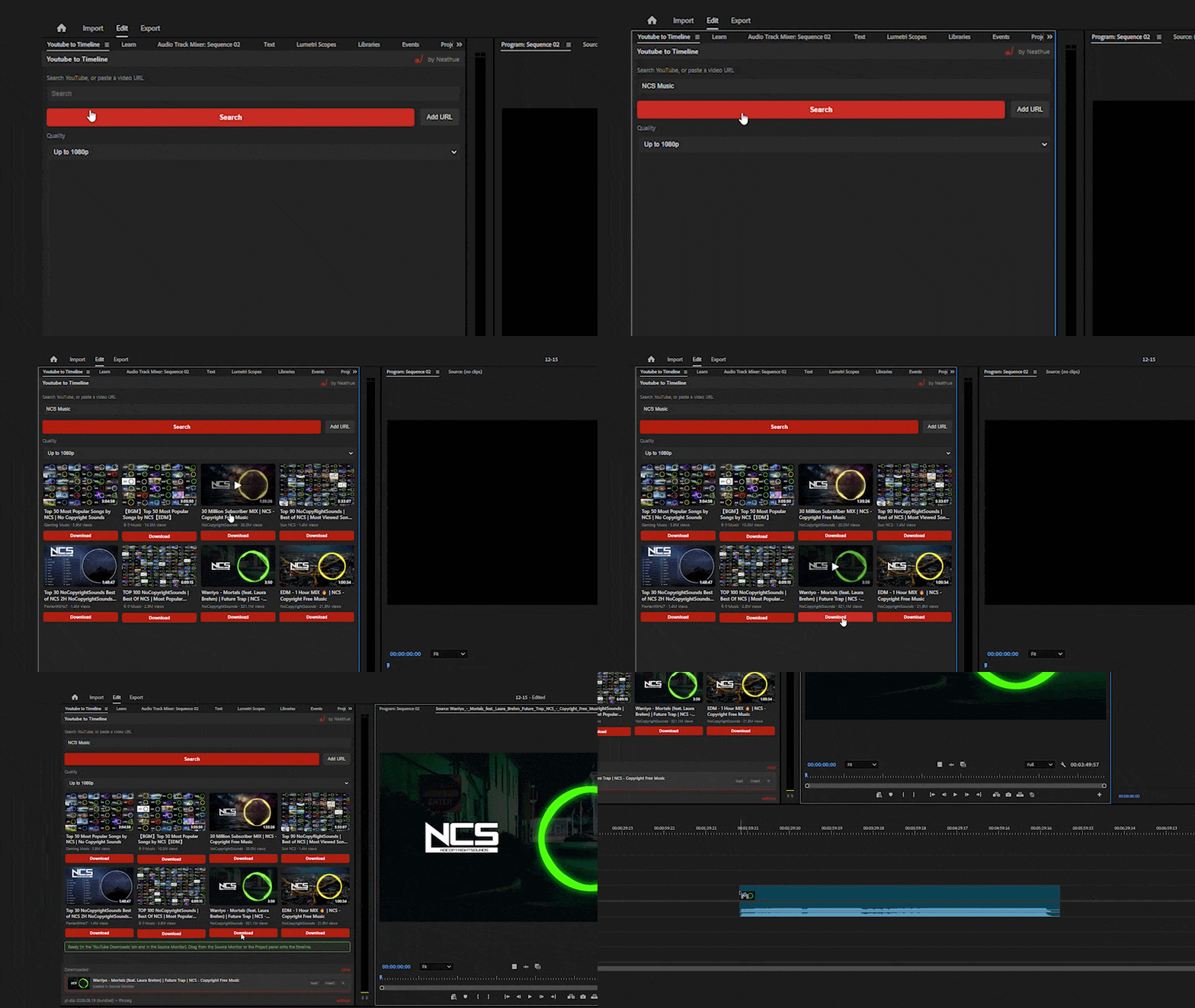
Drag videos straight from YouTube to your timeline.
Stop bouncing between browser tabs, downloaders and import dialogs.
Transitions, LUTs, overlays, sound effects and graphics, organized and ready to use.
TransitionsColor and LUTsSound effectsOverlaysGraphics
| Feature | Ultimate BundleBundle | Buying separately | Premiere alonePremiere |
|---|---|---|---|
| Motion tracking and stabilizing, no After EffectsMotion tracking | ✓ | ✓ | ✕ |
| AutoCut, Pitch, Clipboard, AutoAdj and Easy EaseAutoCut, Pitch + 3 tools | ✓ | ✓ | ✕ |
| YouTube clips straight onto your timelineYouTube to timeline | ✓ | ✓ | ✕ |
| 1500+ transitions, LUTs, overlays and sounds1500+ assets | ✓ | ✓ | ✕ |
| Time spent on repetitive editsTime on edits | Minutes | Minutes | Hours |
| Price | $89.90 | $167.20 | Your time |
Just tested, it's great, it works well! This kind of stuff should Adobe implement to its core, they should buy it from you.
What I like about neathue is that it contains everything in one place, whether you’re working with vertical or horizontal layouts, PNGs or videos, transitions, or even sound effects, it’s all available in a single location.
 Ahmed Atif
As a professional video editor, I spend a lot of my time searching for assets, and it often wastes a lot of my time. This creative pack solved all my problems by providing me with a one-stop solution, so I can edit faster and get professional results. And it saves a lot of my time.
 Ahmed Zafar

The pack is awesome. I use quite a lot of these overlays in almost all of my projects now.
I used to spend more time searching for assets than actually designing. The Master Neat Bundle cut out all that wasted time so I can get straight to building.
 Cristian Silva

Very easy to use and works great for short-form vertical content. Overall, a solid and professional pack.

This is a very good pack if you don't have a paid online library like those from Artlist, Audio, or similar. It has variety and good quality, but what I would highlight are the "exclusive" effects, which are what I would implement most in my workflow.
I enjoyed using the sound effects the most, since I value audio highly in my YouTube videos.
 Samuel Ramos
Total value $167.20
$89.90
Save $77.30 (46% off)
Windows and Mac. Premiere Pro 2024 to 2026.